
If you want to schedule social media posts in advance, the useful question is not which tool to buy. It is where you want the remembering to happen. Put it in a tool, give each post an exact time, and a bad day can no longer cancel the week.
This is the setup I use, in plain English.
Step one: write and schedule the article
Write the article ahead of time and schedule it inside Substack with a date and time. Substack already knows how to publish later, so this step needs nothing extra. Finish the article before anything else, because the captions and images are cut from it.
Step two: send one post to several platforms with Marky
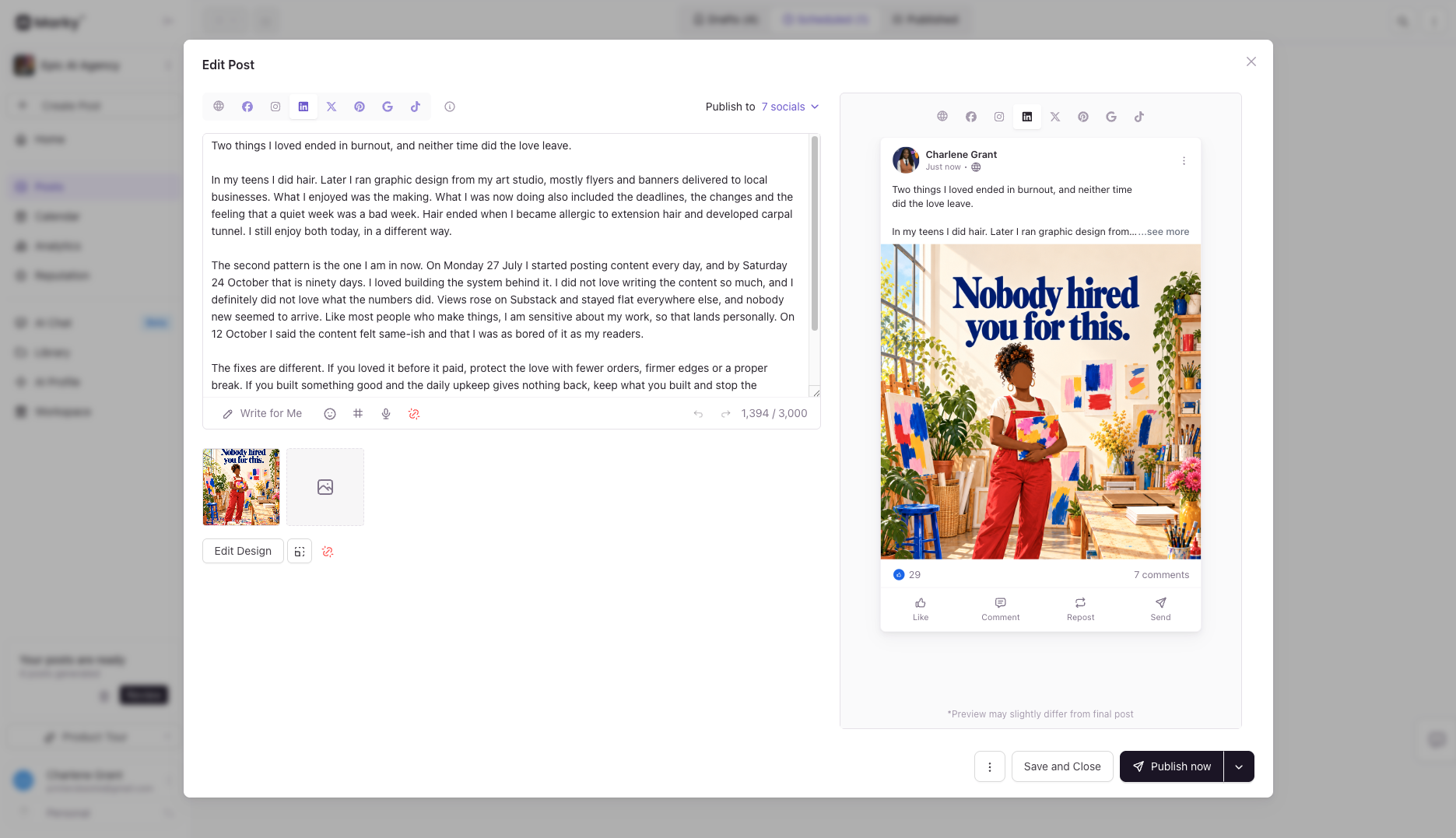
Marky lets you write a post once and send it to seven connected platforms. Choose the accounts, attach the media and set an exact date and time.
Marky also offers a queue, where posts go out in an order the tool picks. Exact times give you control over when each post is seen, so that is the option to use if timing matters to you.
Match the media to the platform. The short video goes to Instagram and TikTok. The pin goes to Pinterest. Every other platform gets the 4:5 portrait image.
If LinkedIn is your personal profile, write the caption in the first person and make it complete without a link.
Step three: schedule Skool posts with Steady for Skool
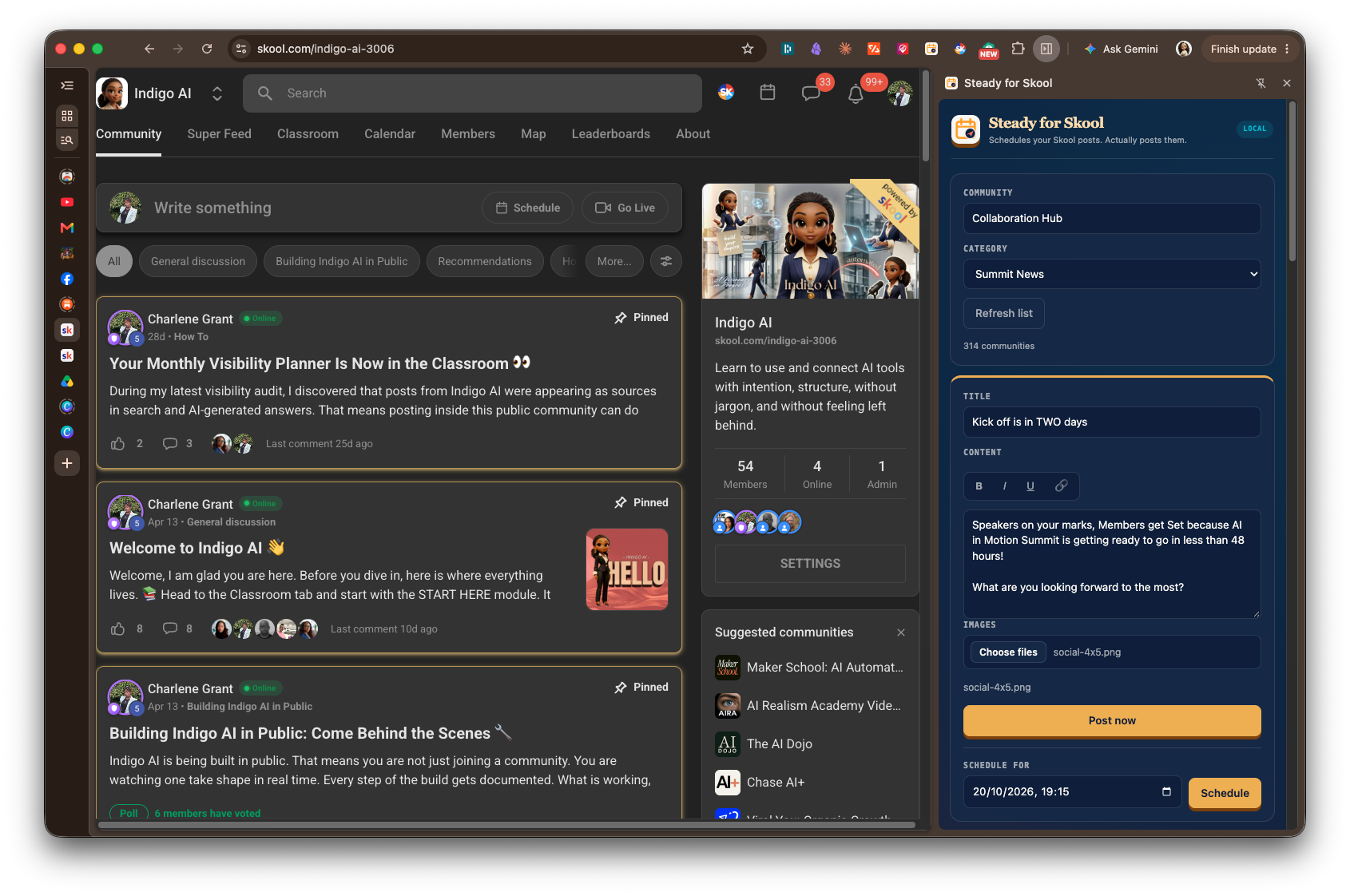
Skool communities need a different route. Steady for Skool is a browser extension, meaning a small add-on that lives in your web browser and acts at the time you set. Your computer has to be switched on with the extension running when the post is due.
The tool schedules text only. Posts with images go in through a CSV, a simple spreadsheet file the tool can read. Copy the category name from Skool exactly, emoji included.
Why one sitting works
Plan on a Sunday and schedule the week ahead in the same session. You stop deciding on Wednesday what Wednesday should say, and the tools do the remembering. This suits anyone whose energy varies, which is the thinking behind capacity-first planning.
What scheduling does not do
Scheduling kept my content going. It did not bring new people. It gives you steadiness, and growth is a separate job.
Indigo AI on Skool (skool.com/indigo-ai-3006) is where I share the plain English version of setups like this.
Which post in your week would you most like to stop having to remember?
FAQ
How do I schedule social media posts to several platforms at once?
Use a tool that sends one post to many accounts. I use Marky, which sends one post to seven platforms at an exact time you choose.
Should I use a queue or an exact time?
An exact time lets you decide when each post is seen. A queue lets the tool decide.
Can I schedule posts to Skool?
Yes, with a browser extension such as Steady for Skool. Your computer must be on with the extension running. Text goes in through the tool and images go in through a CSV.
Do I need a different image for each platform?
The picture changes with the platform. Short video goes to Instagram and TikTok, pins go to Pinterest, and other platforms use the 4:5 image.
Will scheduling grow my audience?
No. It keeps you consistent, and that is all. New people need something else.